
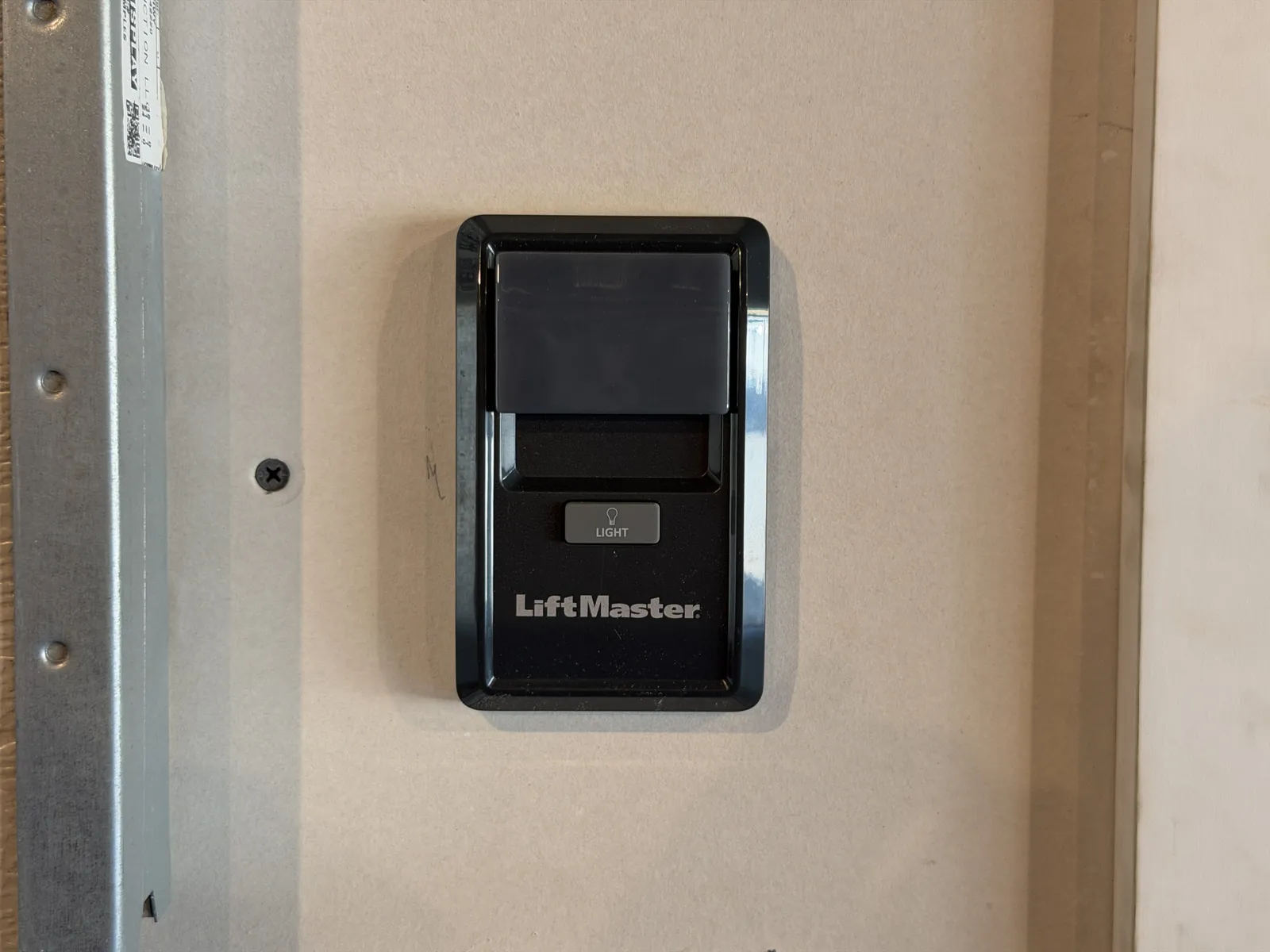
Step 1: Make Sure the Door Is Safe
Programming and testing a device can move the door, so start with a safe, stable door. Stop first: if the door is crooked, off its tracks, stuck partly open, jerking, visibly damaged, much heavier than usual, or you heard a loud bang or see a gap in a spring or a loose or frayed cable, do not operate it, do not pull the emergency release and do not try to lift it. Keep people, pets and vehicles clear and call a technician.
Begin with the door fully closed, level and clear of people, pets, vehicles and stored items. Do not change force or travel settings or work on internal wiring.
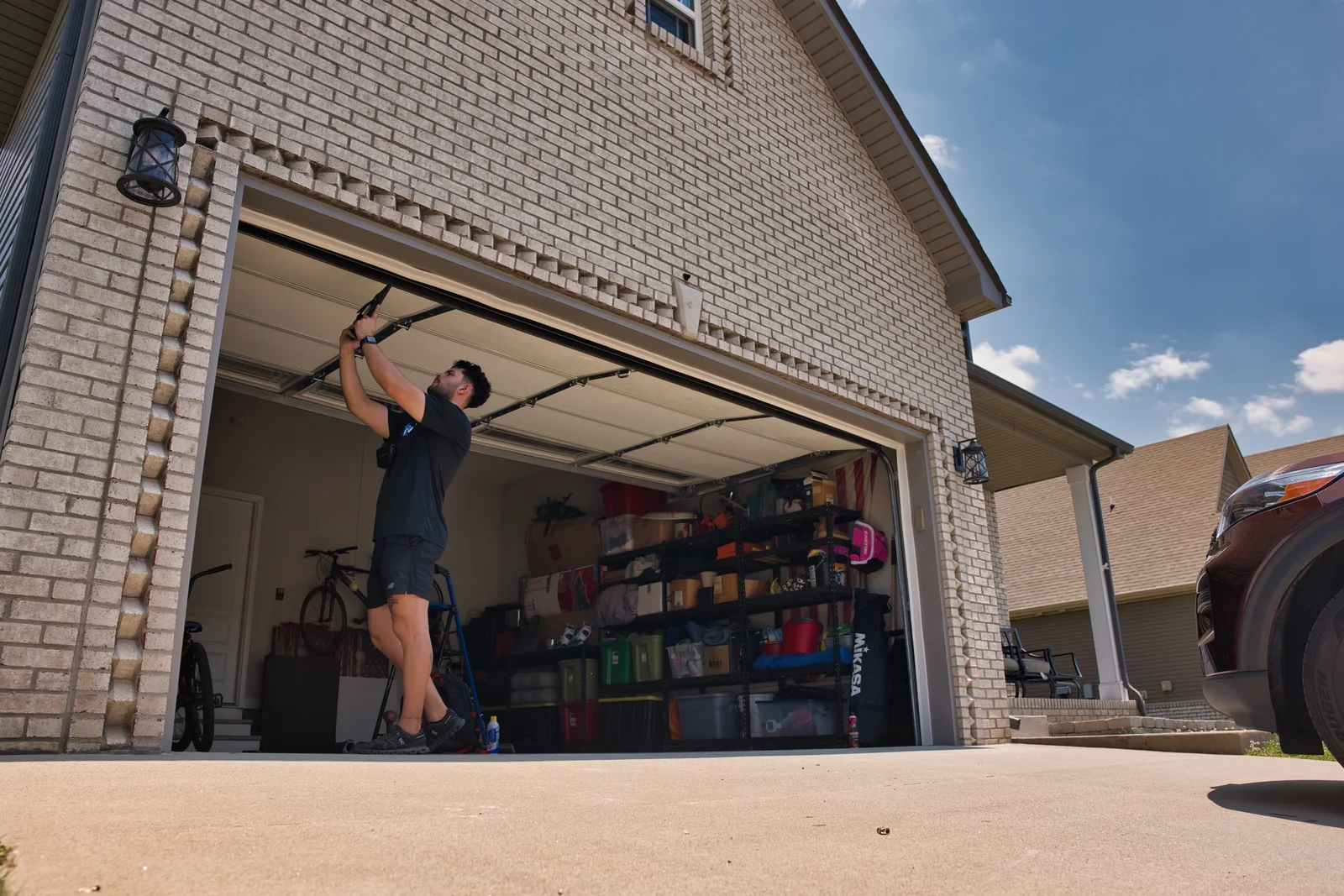
Step 2: Identify Your Opener and Accessory Models
Find the brand and model of your opener and of the remote, keypad or wall control you want to use, then get the manual or the manufacturer's support page for that exact pairing. Not every accessory works with every opener, and manufacturers publish compatibility guidance and model-specific steps. If you cannot confirm compatibility, check with the manufacturer or a technician before buying or programming a device.
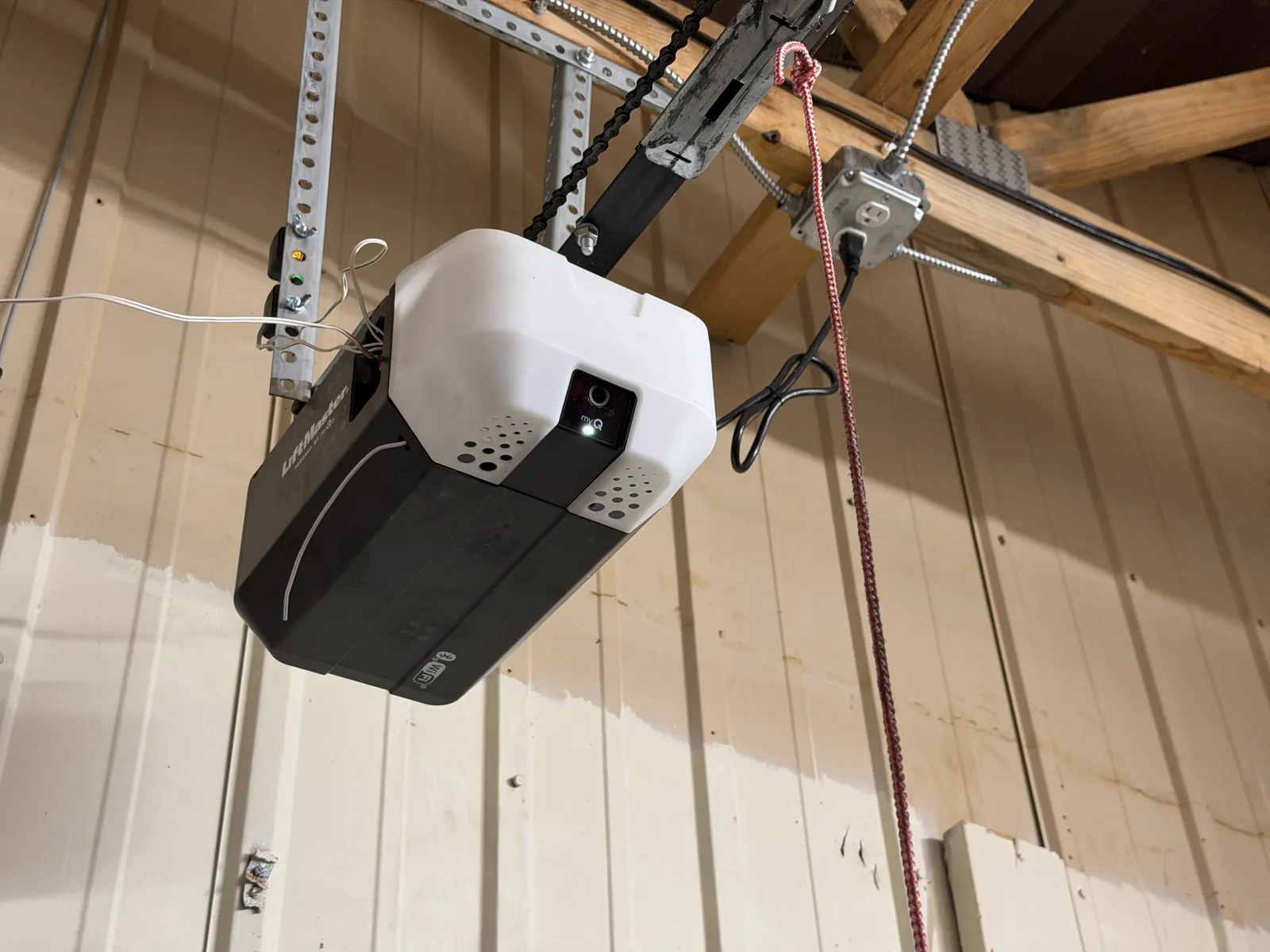
Step 3: Decide Whether You Are Pairing or Removing Access
Adding a new or replacement device, or re-pairing one that lost its connection, is normally done without erasing anything. A dead battery is not a reason to erase the opener's memory. Erasing is a separate, deliberate step that manufacturers describe for security, such as after a remote or keypad is lost or stolen. On many openers it removes every paired remote and keypad at once, so all of your other authorized devices will stop working until you pair them again. Gather every device you want to keep before you choose to erase, and use only the erase procedure in your opener's own instructions.
Step 4: Find the Programming Control Your Manual Identifies
Your manual shows where the opener's learn or program control is and how to reach it. Openers are mounted in different ways, so do not assume a location. Only open a light lens or cover that the manufacturer identifies as owner-accessible, and do not remove other panels. If you need a step ladder, set it on level ground clear of the door's path.
Step 5: Pair Remotes Using Your Opener's Instructions
Fit a fresh battery of the type your manual lists, then follow the remote-programming instructions for your opener and remote models. Programming windows, button presses and indicator signals vary between brands, so use the sequence in your manual rather than a generic one. Pair one remote at a time.
Step 6: Pair a Keypad or Wall Control the Same Way
Wireless keypads and some wall controls have their own programming instructions, and keypads usually ask you to choose a PIN. Follow the manual for that device and opener, and choose a PIN that is not easy to guess. If a wall control is wired, pairing may not apply; your manual will say.
Step 7: Test Each Device Safely
With the door closed and the opening clear, test each device once while you can see the whole door. If the door moves unevenly, makes a loud noise or stops part way, stop using it and call a technician. If a device does not respond, recheck the battery, distance and your manual's steps, and confirm the wall control's lock setting is off before trying again.
If the Keypad Still Will Not Respond
Before repeating the pairing process, check the keypad’s batteries. Use the battery type specified in its manual and make sure they are installed in the correct orientation.
Check that the opener has power, too: programming cannot succeed if the motor unit is not receiving electricity. If these basic checks do not resolve the problem, consult the instructions for your exact keypad and opener or ask a technician for help rather than repeatedly clearing the memory.