
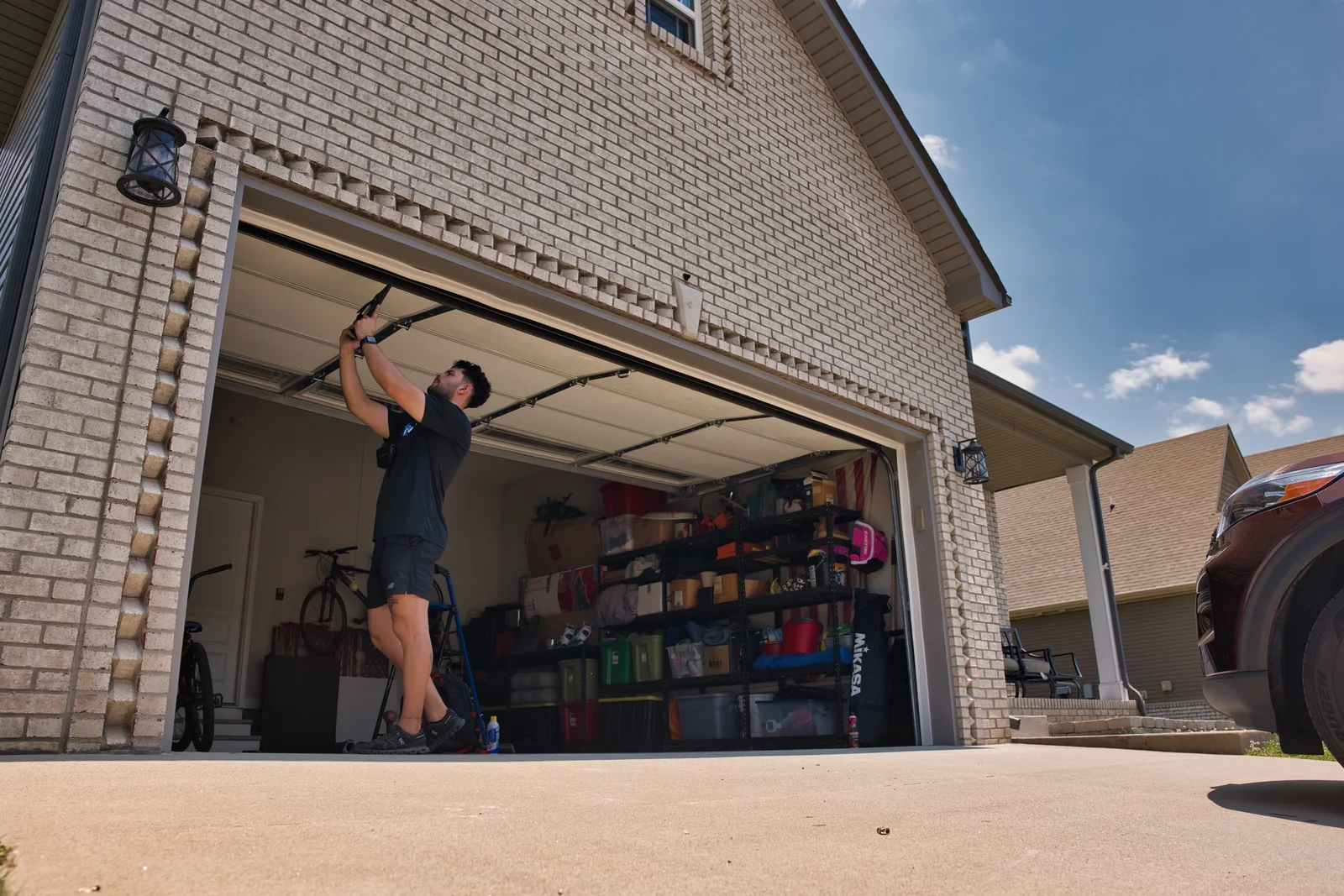
Before Any Check: Is the Door Safe to Touch?
Stop first: if the door is crooked, off its tracks, stuck partly open, jerking, visibly damaged, much heavier than usual, or you heard a loud bang or see a gap in a spring or a loose or frayed cable, do not operate it, do not pull the emergency release and do not try to lift it. Keep people, pets and vehicles clear and call a technician.
Only when the door is fully closed or fully open, sitting level and moving normally should you try the owner checks below. They are limited to power, batteries, the wall control's lock setting, clearing loose items away from the sensors and following your opener manual. None of them involve springs, cables, drums, bottom brackets, tracks or the door's hardware.
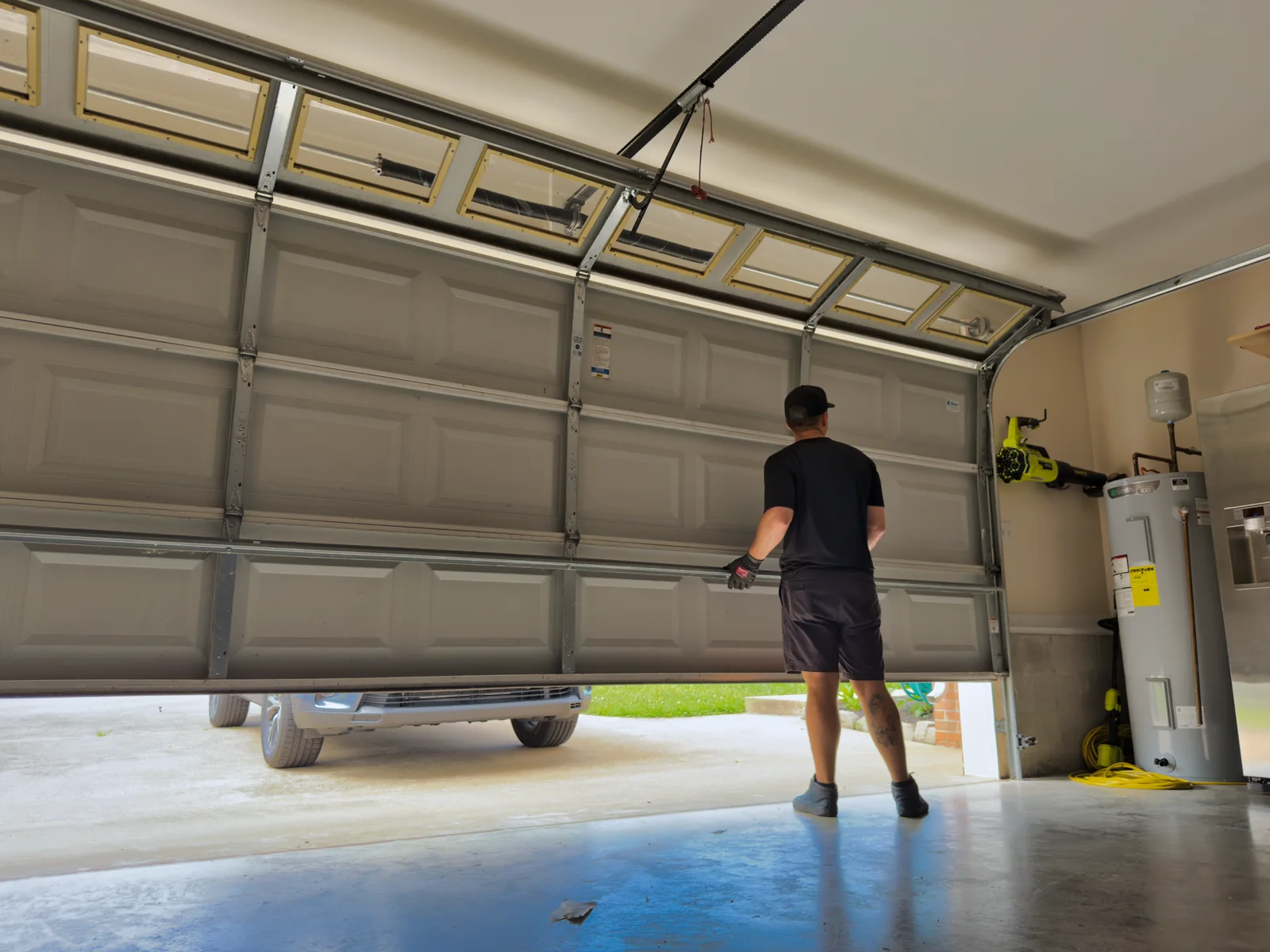
1. Trouble Opening or Closing
When the door will not move at all and it passed the safety check, confirm the opener is plugged in and that the outlet, GFCI or breaker has power. Many wall controls have a lock or vacation setting that turns remotes off; your opener manual shows whether yours has one and how to clear it. If the opener has power and still does nothing, the cause may be in its wiring, logic board or motor, which is a job for a technician.
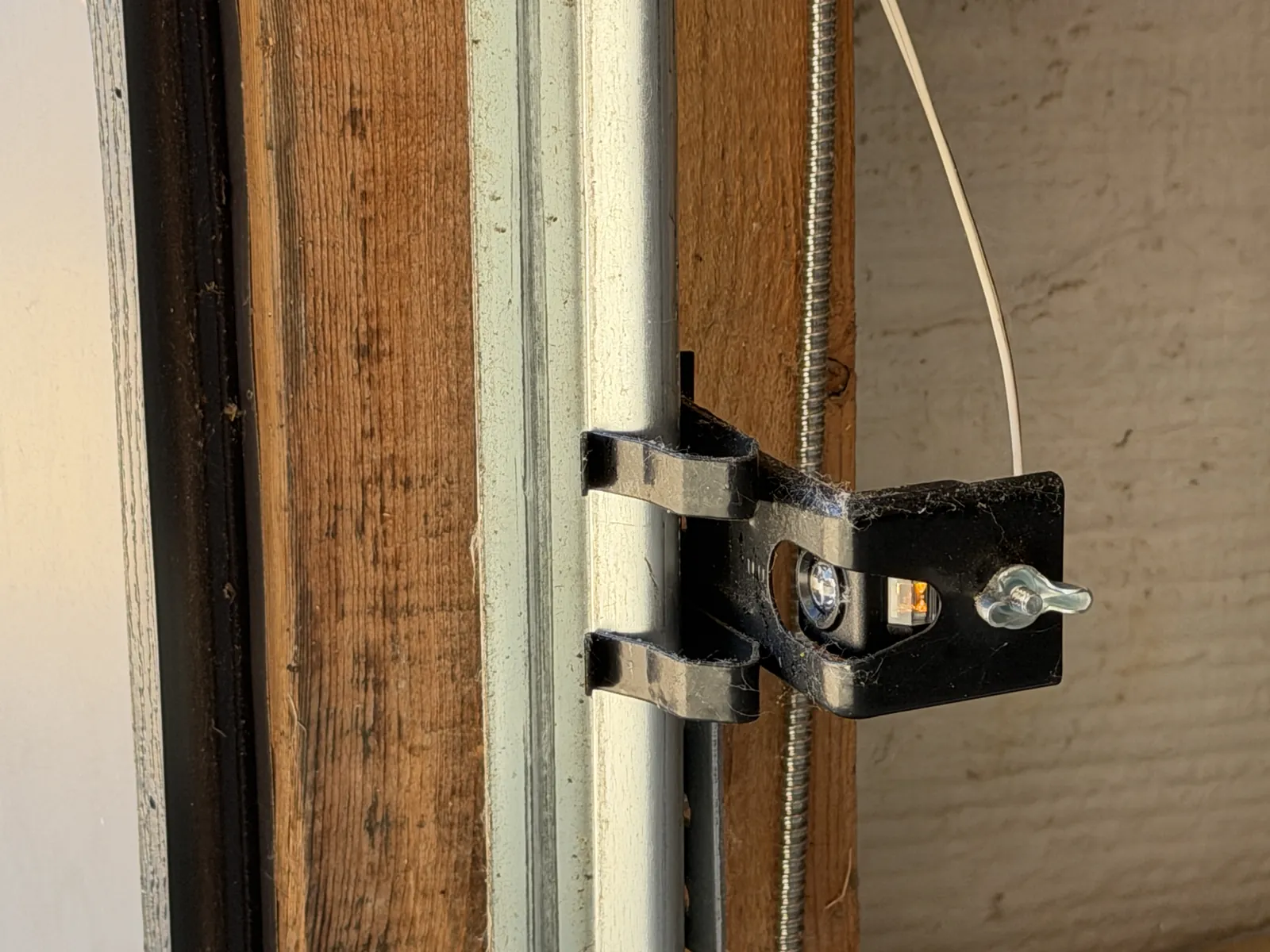
2. Blocked or Misaligned Safety Sensors
If the door starts down and then reverses, the safety sensors are one possible cause among several. Move anything sitting in the path between the two sensors and wipe the lenses with a soft cloth. Indicator lights differ by brand and model, so use your opener manual to read what yours mean and to see whether the manufacturer describes an owner alignment step. If the door still reverses, a weak spring, a limit or force setting or a wiring fault may be involved; have a technician diagnose it rather than changing settings yourself.
3. Broken Springs
A loud bang, a door that suddenly will not open, or a visible gap in a spring above the door can point to a broken spring. Springs counterbalance the door, so without them the door may be unsafe to move. Do not operate it, pull the emergency release or try to lift it; keep everyone clear and schedule spring repair. Spring work needs a trained technician with the right tools.
4. Roller Problems
Rollers that wobble, grind or look chipped or cracked can make the door run rough and wear the tracks. Look from a distance while the door is closed and still. Roller replacement involves parts connected to the door's tensioned bottom brackets and cables, so leave it to a technician.
5. A Failing Opener
An opener that hums without moving the door, runs intermittently, or only works some of the time may be wearing out. After the safety check, rule out power and remote batteries first. Repeated straining can also mean the door itself is out of balance, so stop using it and have the door and opener inspected together.
6. Unusual Noises
Grinding, scraping, rattling or popping is a sign something is worn, loose or out of line. A single loud bang can mean a spring has broken, so follow the stop steps above. Do not tighten hardware or work on brackets yourself; some fasteners are connected to parts under spring tension. Describe the sound and when it happens to the technician.
7. An Uneven or Crooked Door
A door that hangs lower on one side, sits crooked in the opening or has come out of a track is not properly supported. A broken cable or spring on one side is one possible reason. Stop using it, do not pull the emergency release or try to straighten it, keep clear and call for repair.
8. Slow or Jerky Opening
A door that has become slow, shudders or jerks is under strain. Do not keep running it, clear the tracks by hand or apply lubricant to a door that is moving this way. Stop and have a technician find the cause. On a door that moves smoothly and passes the safety check, routine lubrication follows your door or opener manufacturer's instructions as part of normal maintenance.
9. Remote (Transmitter) Problems
If the wall control works but a remote does not, a weak battery is a frequent reason. Replace it with the type your manual lists, checking polarity, and try again from a closer distance. If it still fails, the remote may need pairing again using the instructions for your specific opener and remote models.
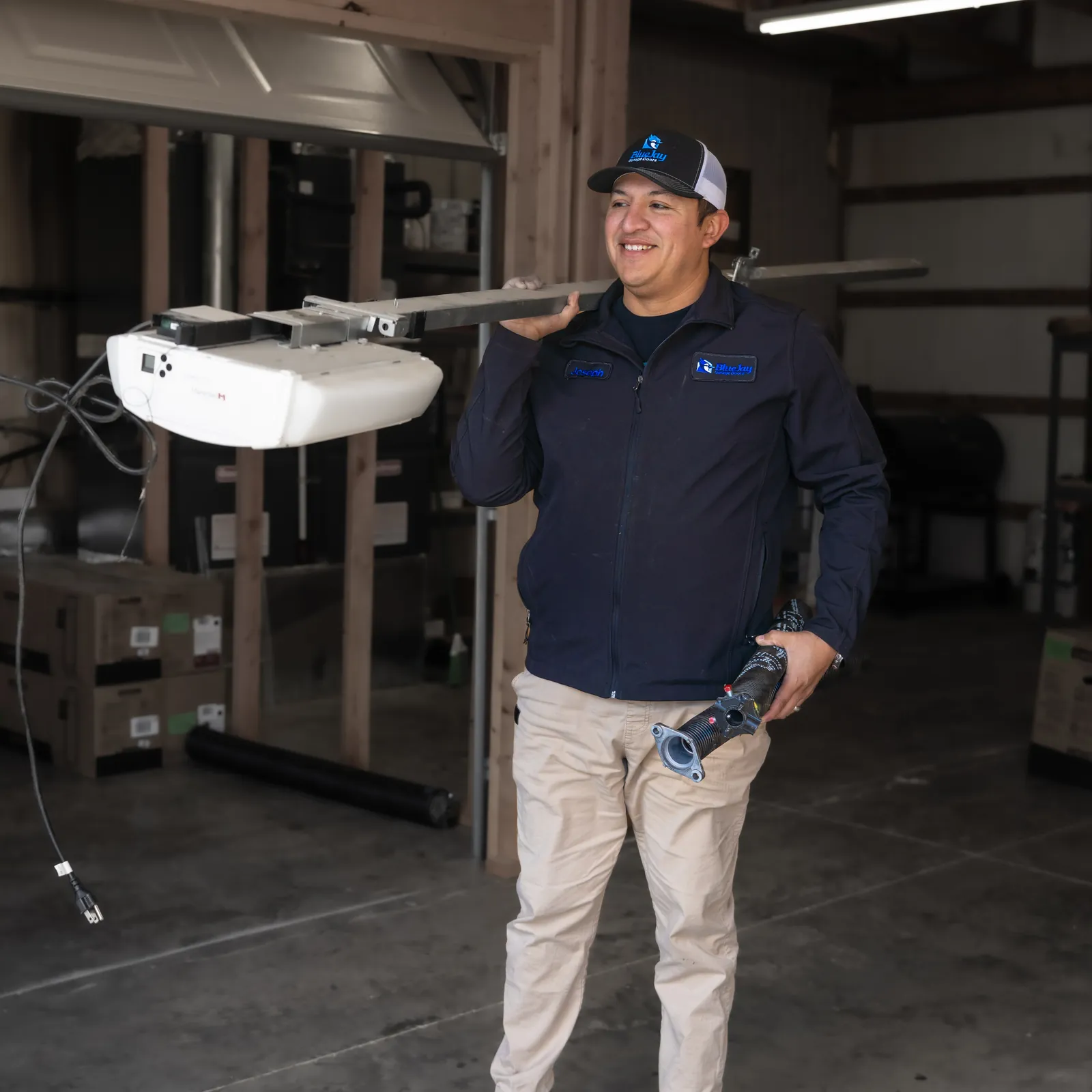
10. Keypad Not Synced
A wireless keypad that stops working may need a new battery or may have lost its pairing. Programming steps vary by manufacturer and model, so follow your keypad and opener manuals rather than a generic sequence. If a correctly paired keypad still will not work, the keypad or the opener's receiver may need service.