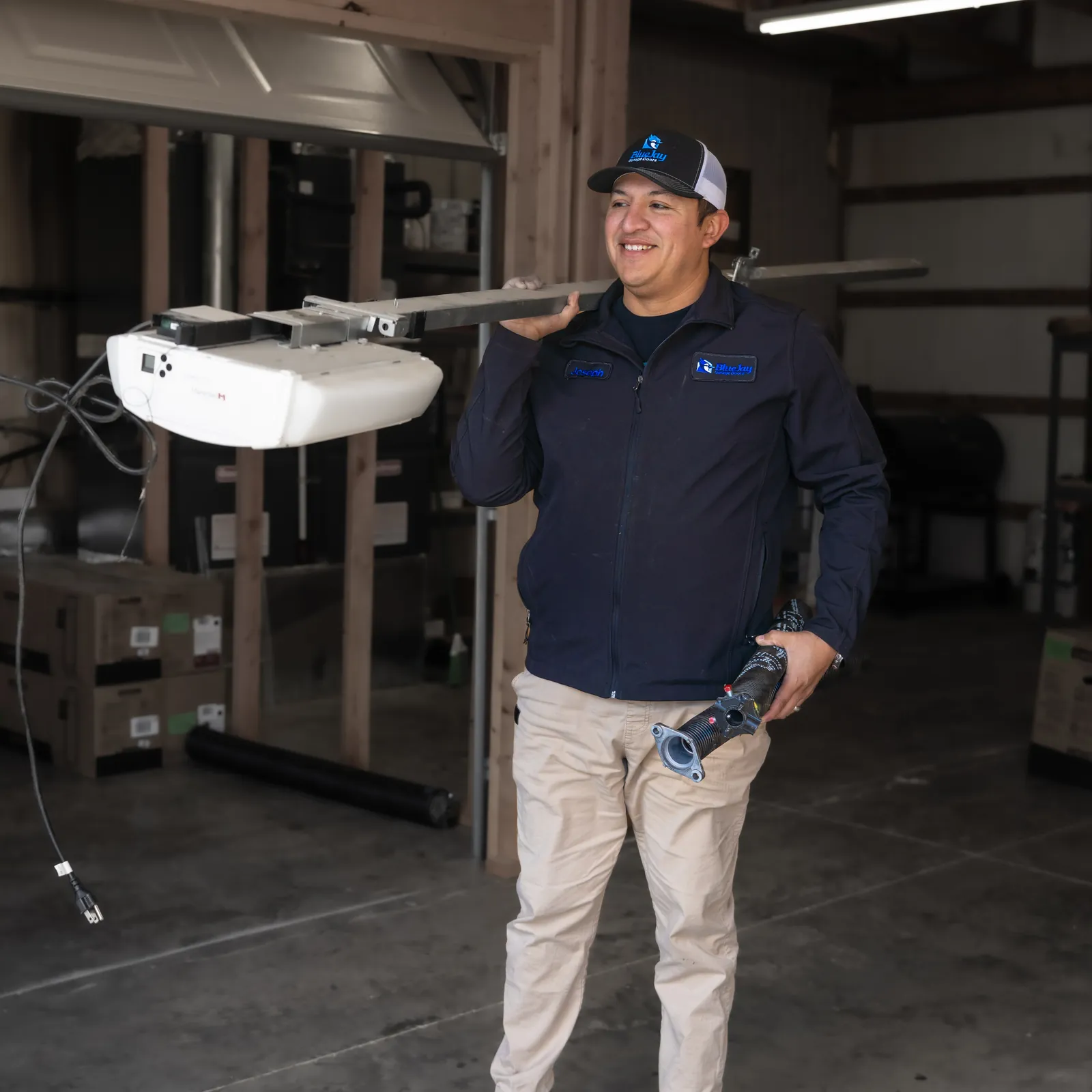
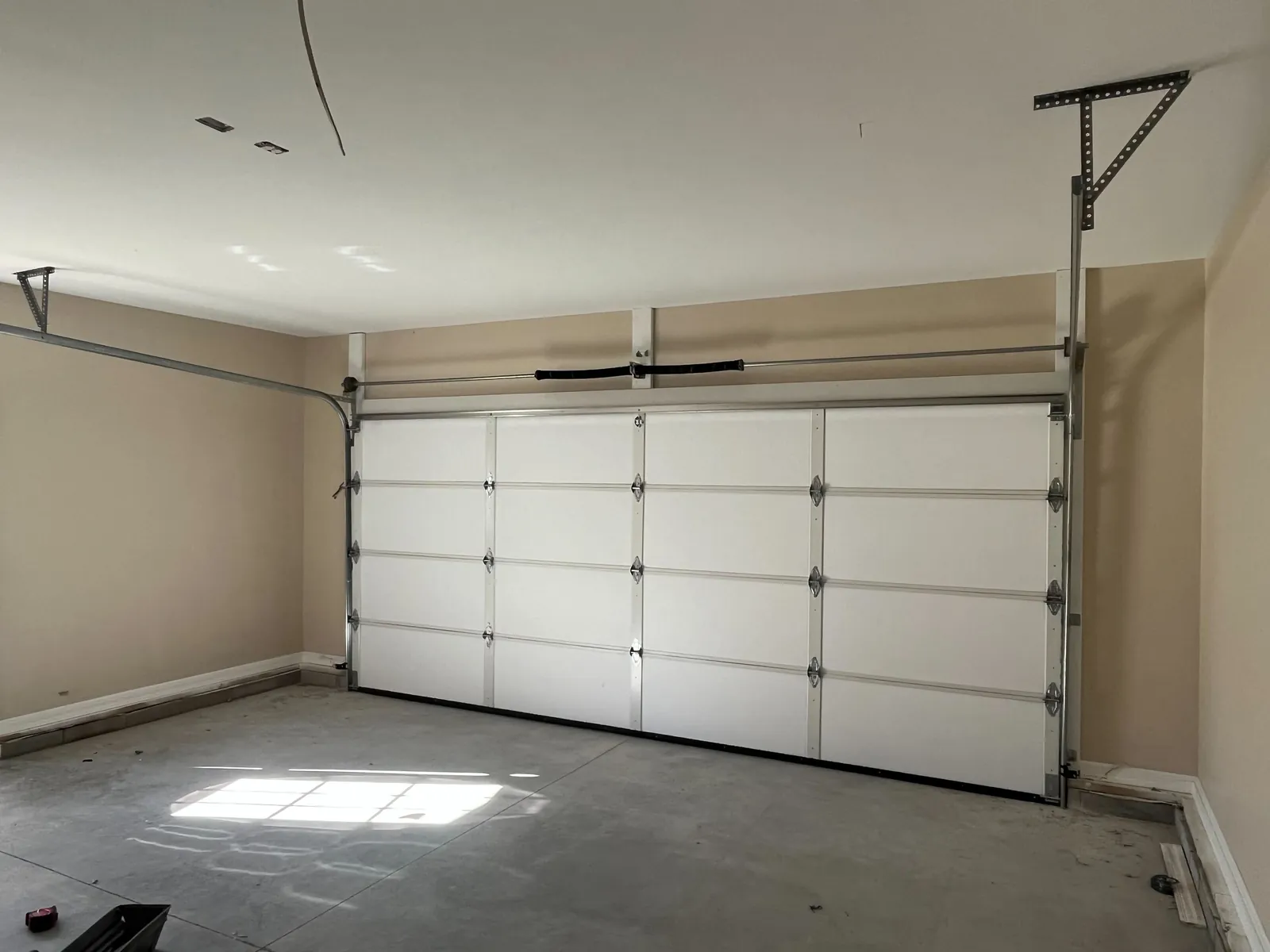
Confirm the symptom before choosing a troubleshooting path
This guide is for a door that will not begin closing when you request it. Note whether the opener is silent, clicks or displays a message, and whether the problem affects a remote, wall control or both. Use observations you already have; do not repeatedly run a door that appears damaged.
Before any owner check, look for a crooked door, a visible broken spring, loose or frayed cables, or a door off its track. Stop using the system if any of those signs are present. Keep everyone clear and arrange a professional inspection.
If the door starts down then reverses, use the separate reversing-door guide.
- Keep people, pets and vehicles clear of a damaged door.
- Do not force the door down or bypass a safety sensor.
- Do not pull the emergency release on an unsafe or partly open door.
- Call if you need immediate help with a stuck or damaged door.
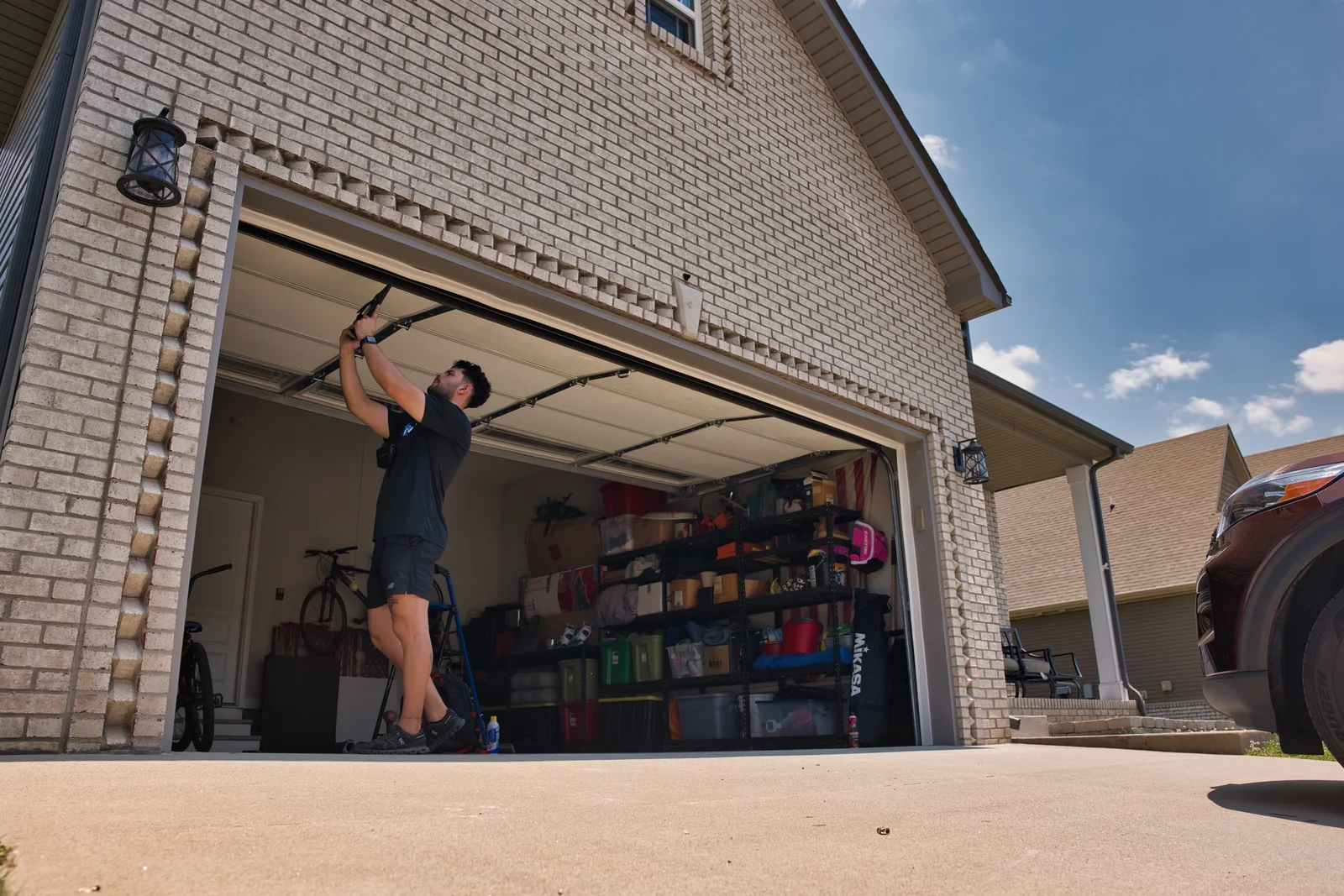
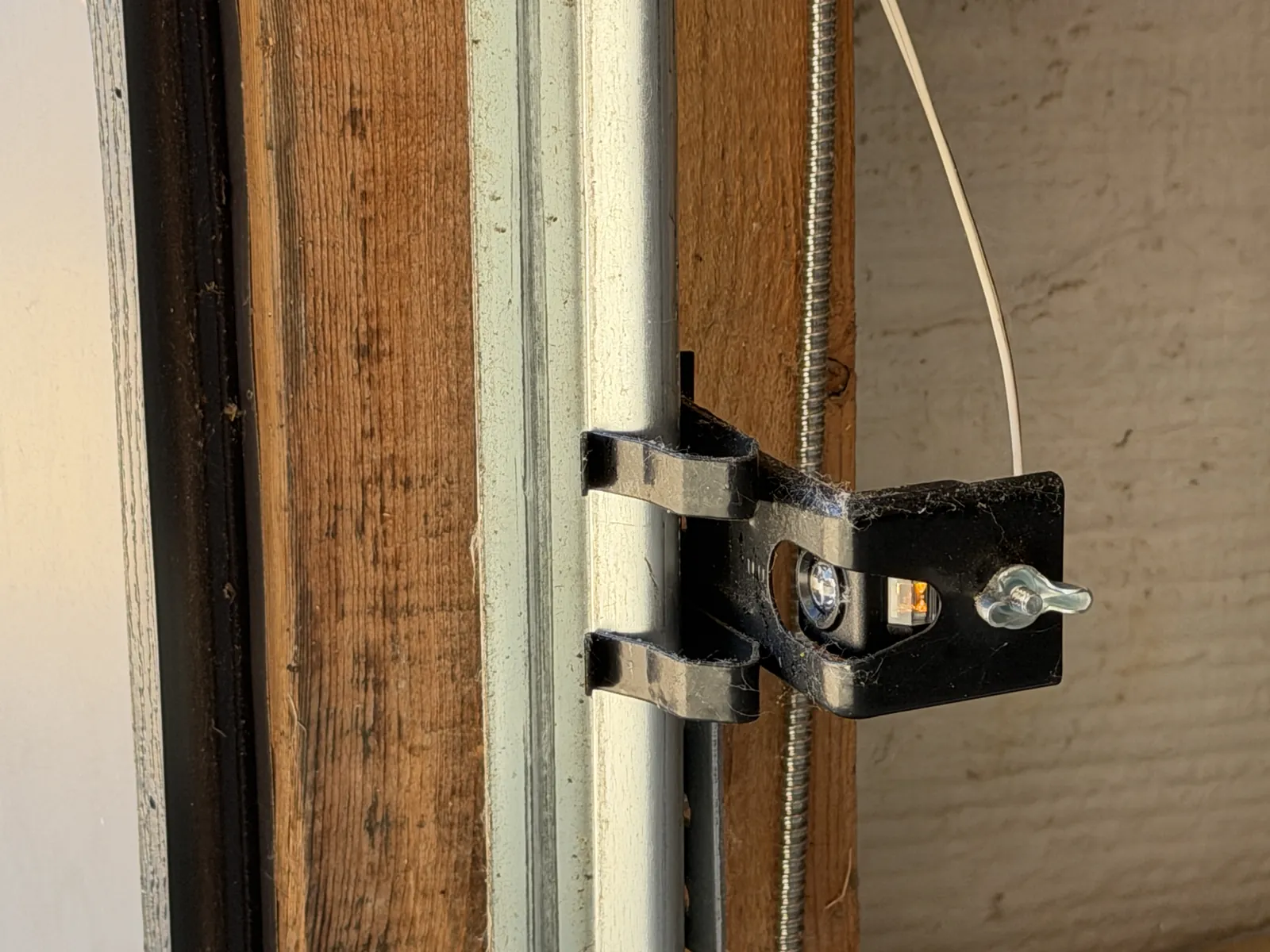
Look for a blocked sensor path
Photo-eye sensors monitor the opening near the floor. Check for an object blocking that path and gently wipe accessible lenses with a soft, clean cloth while the door is stationary. Look for a sensor that appears disturbed, but do not change wiring or defeat its protection.
The meaning of an indicator light depends on the opener model. Consult that model’s manual for its light patterns and any owner alignment check. If the guidance does not resolve the issue, have a technician check the sensors and wiring.
Separate a control problem from a blocked door
When one control works and another does not, the difference is useful information. A remote may need a battery or model-specific programming, while a lock feature or another control setting may require checking the owner’s manual. Do not assume a remote problem explains visible mechanical damage.
If you have already observed that both controls fail, or that the opener responds but the door does not move, describe that when booking. Do not increase force, disconnect a damaged door or try to move it by hand to establish a diagnosis.
Read the model’s message without changing force settings
An opener’s display or flashing lights may help identify a sensor, control or travel-related fault. Record the message and the model number if they are safely accessible. Codes differ by model, so a flash count from another opener is not a reliable diagnosis.
A technician can assess travel setup and force settings after checking the door’s condition. Leave those adjustments to the technician; increasing force to overcome a stuck door can interfere with the safety system.
Mechanical warning signs take priority over control checks
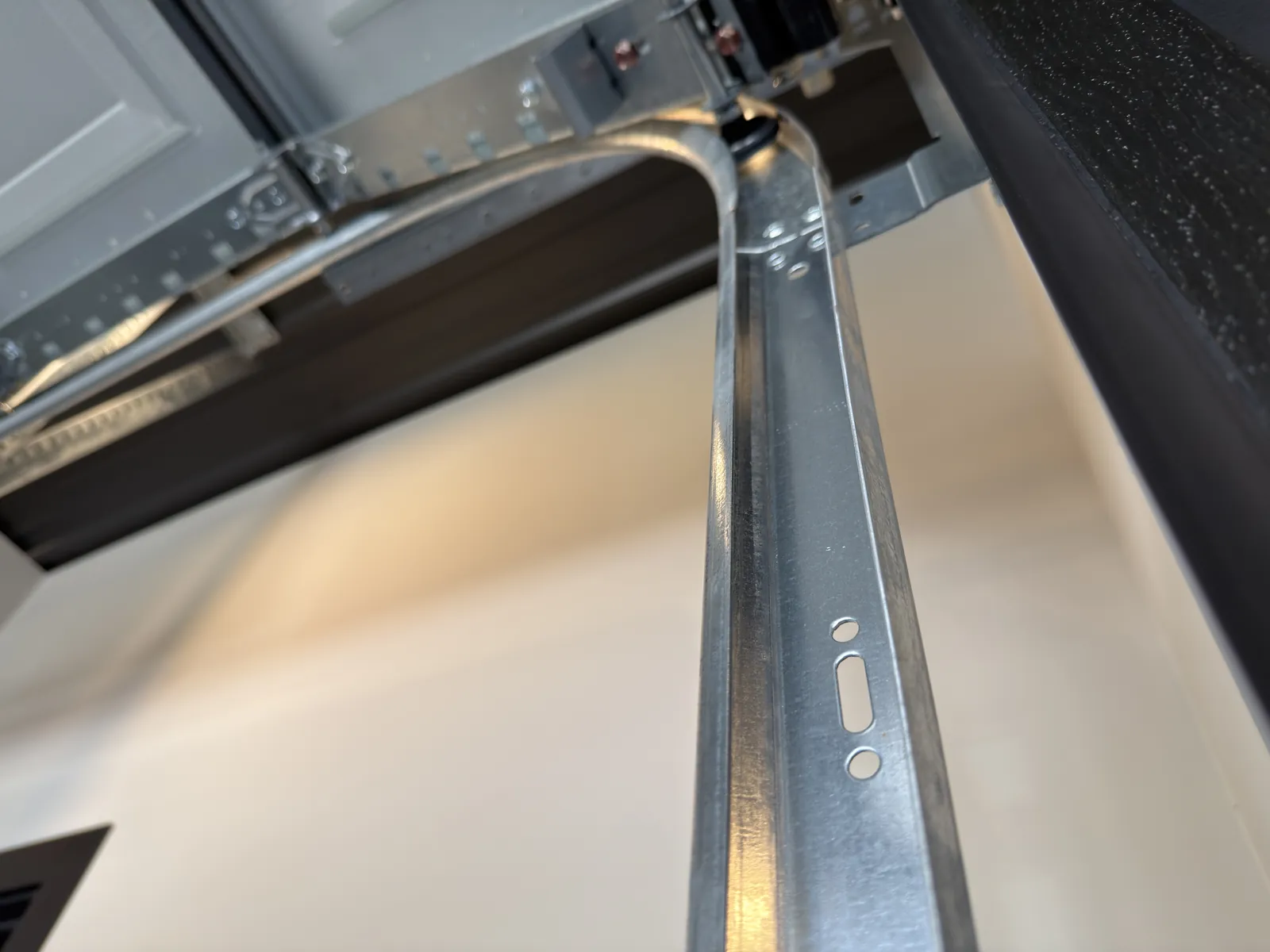
A broken spring, damaged cable, bent track or displaced roller can leave a door unsafe regardless of which control you press. A loud bang, a visible gap in a spring, uneven hanging or frayed cables are reasons to stop using the door.
Springs, cables and their supporting brackets are under high tension. Do not loosen, reposition or repair them yourself. We inspect the whole system so a control symptom does not hide the mechanical problem behind it.
If a new remote battery does not help
Follow the programming instructions for your exact model if the manual identifies reprogramming as an appropriate owner step. Reprogramming addresses communication between a control and the opener; it does not repair a sensor, track or counterbalance fault.
Tell us which controls respond, any diagnostic message and whether the door shows damage. We can then assess the cause and explain the options before work begins. If you need immediate service, give us a call.