
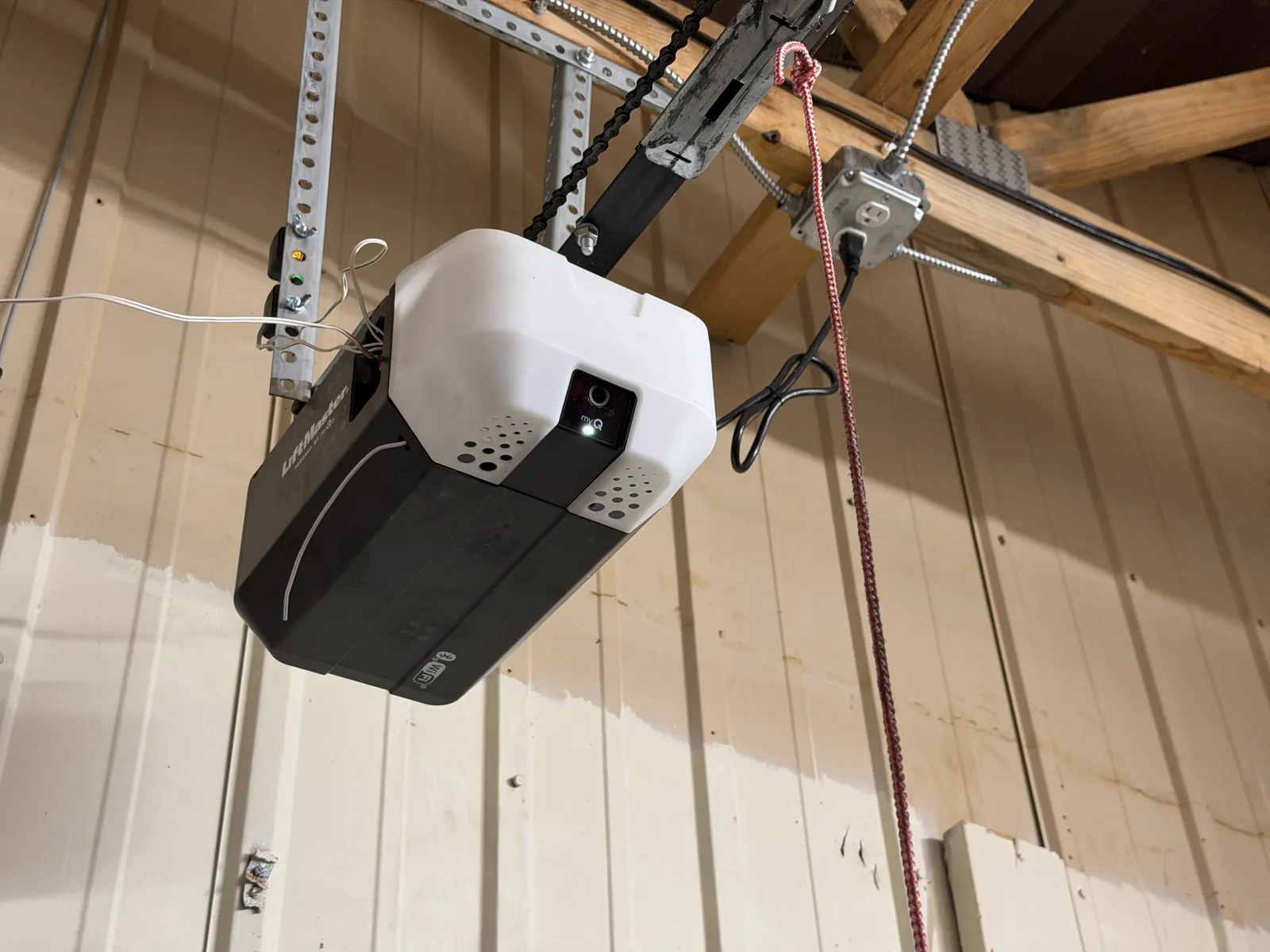
How Smart Garage Door Openers Work
A smart garage door opener is a motorized unit, much like a traditional opener, but with one key difference: built-in Wi-Fi connectivity. This feature allows the opener to communicate with your home's wireless router. Once connected, it pairs with a dedicated application on your smartphone or tablet. Through this app, you can send commands to open or close the door, check its current status (open or closed), and receive notifications about its activity. This constant connection turns your phone into a powerful, long-range remote control that works whether you're in the living room or on vacation.
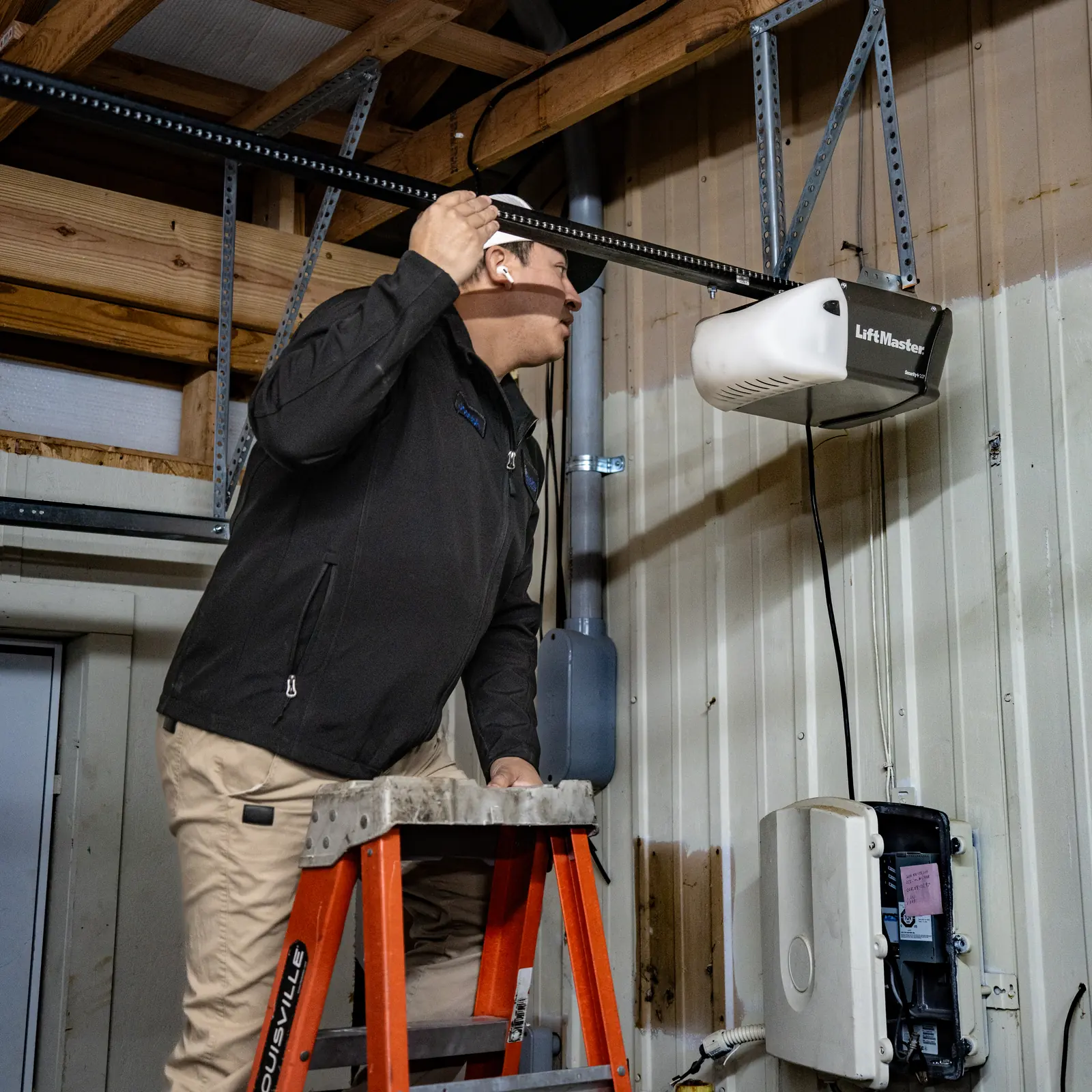
Control Your Garage From Anywhere
The most celebrated advantage of a Wi-Fi opener is the ability to manage your garage door remotely, which eliminates many small anxieties of daily life. You no longer have to circle the block to double-check if the door is shut. It also adds a new layer of flexibility to your day, allowing you to manage access to your home securely and conveniently.
- Open the door for family members, friends, or service providers when you're not home.
- Receive packages securely by opening the garage for the delivery driver to place them inside.
- Check your door's status from your office or on vacation for complete peace of mind.
- Close the door from anywhere if you realize you forgot to shut it after leaving.
- Receive optional alerts on your phone whenever the door is opened or closed.
Integrate Your Garage with Your Smart Home
Wi-Fi garage door openers can often integrate with popular smart home platforms and voice assistants. This allows you to include your garage in automated routines that make life easier. For example, you could create a "goodnight" scene that closes the garage door, locks your smart locks, and turns off the lights with a single voice command. Some systems also support location-based triggers (geofencing) that can automatically open the garage door as you pull into the driveway or close it as you leave the neighborhood. This level of automation streamlines your daily comings and goings, making your home feel more responsive and secure.
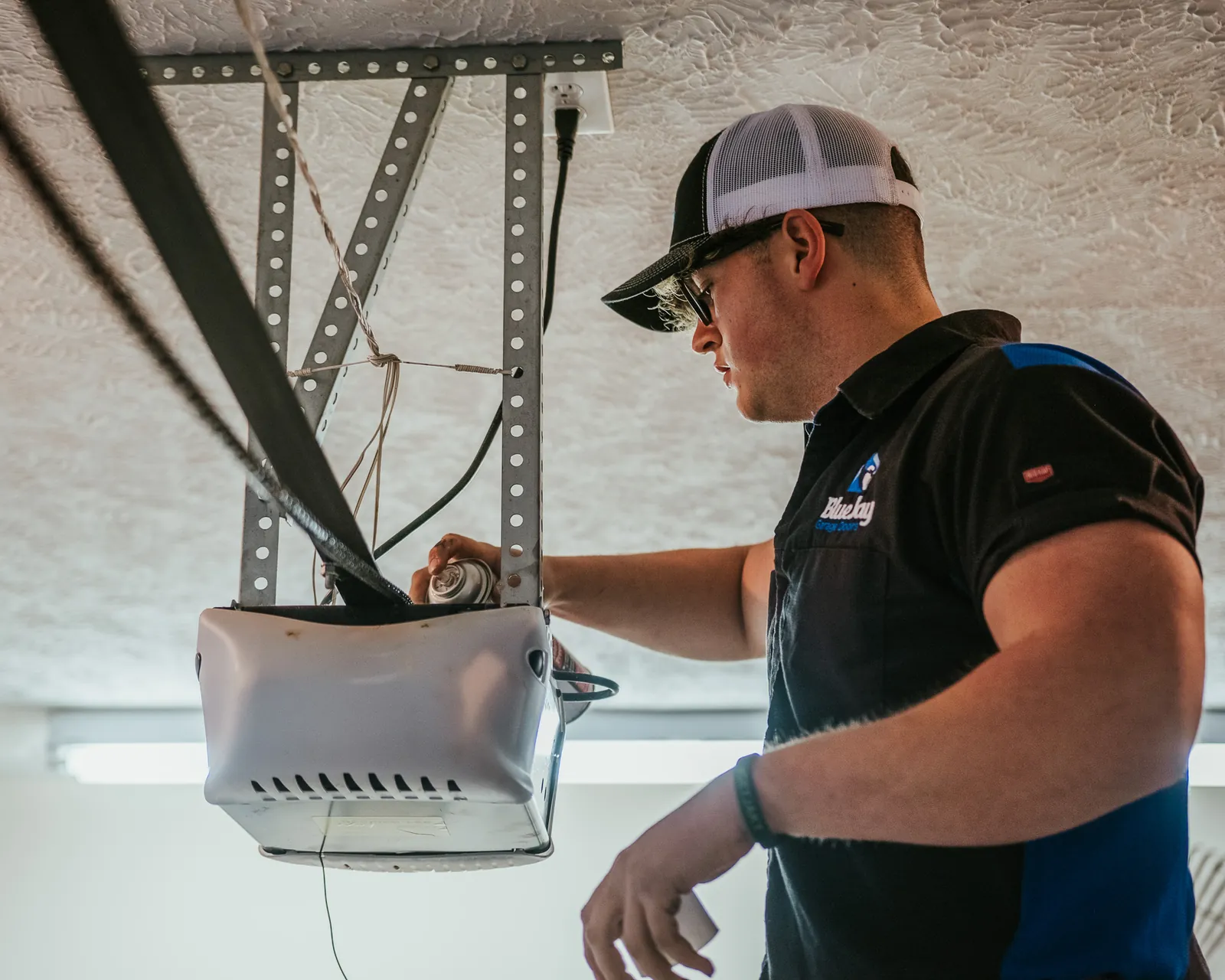
Enhanced Security and Activity Monitoring
Your garage door is a primary entry point to your home, and a smart opener enhances its security significantly. Most systems maintain an activity log within the app, so you can see a history of every time the door was opened or closed. This is great for confirming your home was secure throughout the day. Some models also allow you to create temporary or scheduled access for guests or service professionals, which is far more secure than giving out a permanent keypad code. The ability to instantly check and close your door from afar prevents it from being left open accidentally, deterring potential intruders and protecting your property.
What to Do When Connectivity Fails
If your smart opener stops responding to app commands, the problem is often related to your home's Wi-Fi network. If the door isn't moving correctly, seems stuck, or is making unusual noises, stop using it and keep the area clear. For simple connectivity issues, you can perform a few safe checks. First, confirm your home internet is working on other devices. If it is, try restarting your router, which often resolves minor connection glitches. You can also check the opener's user manual for instructions on how to check its network status or perform a reconnection sequence.
If these safe, simple checks don't restore connectivity, or if you notice any physical or mechanical problems with the door or opener system, it's time to call a professional for a safe and thorough diagnosis. Do not attempt to operate a malfunctioning door repeatedly or try to force it closed.
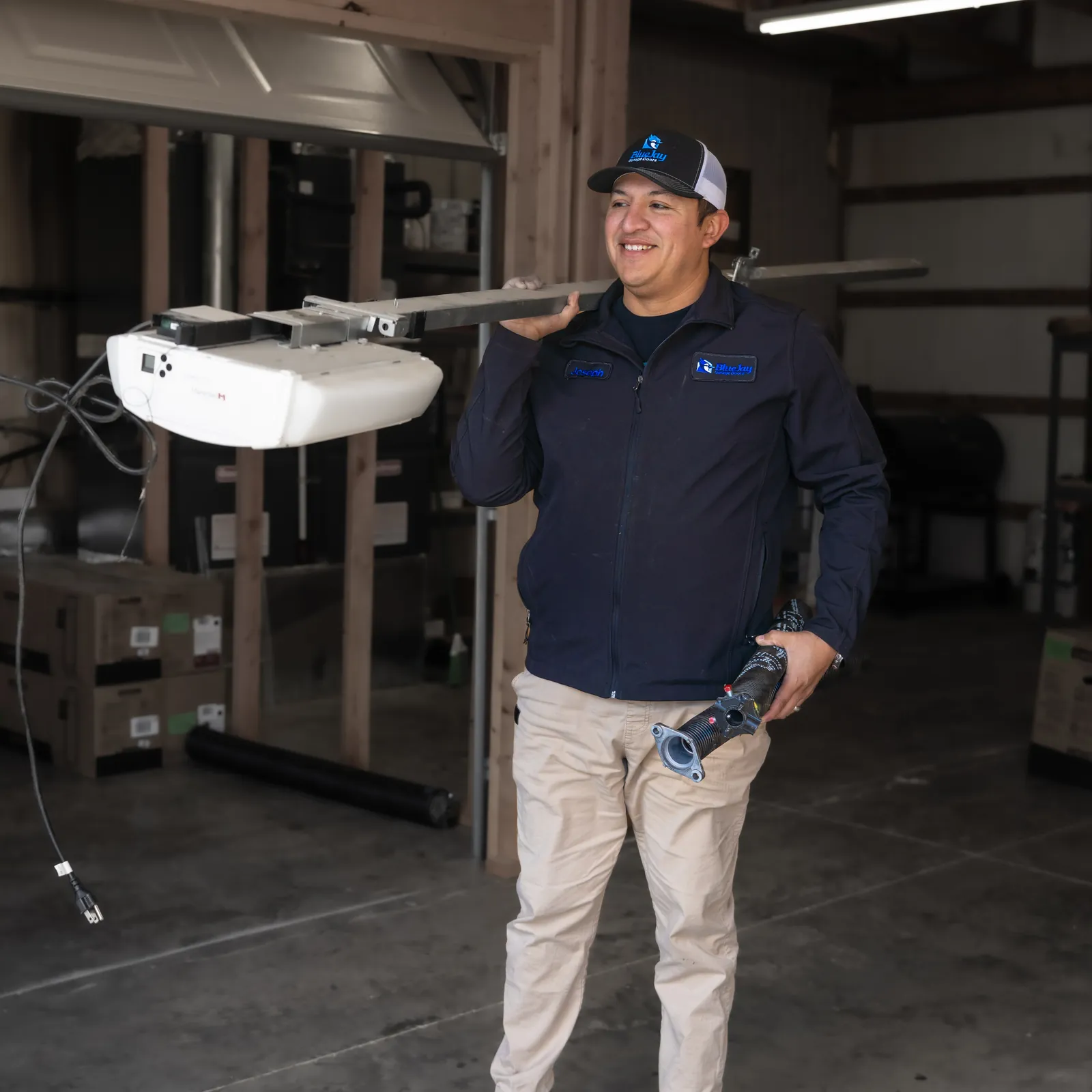
Diagnostic Reports Can Help Explain Opener Problems
Some Wi-Fi garage door openers provide diagnostic reports that can help you and a technician understand a malfunction. If your system offers this feature, share the reported status or error message when requesting help, along with what you noticed about the door’s movement. This gives the technician more information than an app connection failure alone. Diagnostic information does not replace a physical inspection: if the door moves unevenly or makes unusual noises, stop using it and keep the area clear.